
Mobile with Fiixit: Adding the application to your mobile (Duration: 1 min)
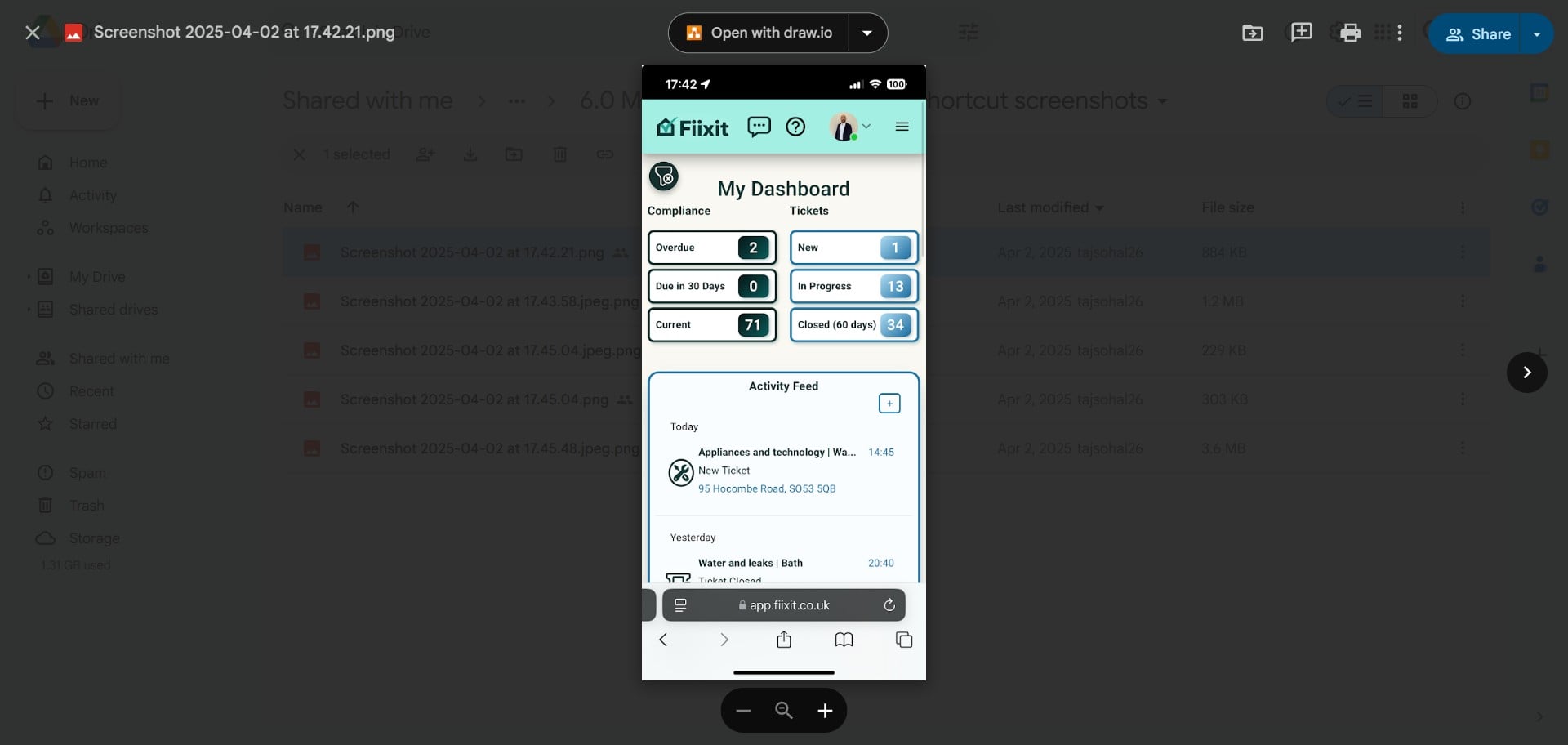
Fiixit is a web application, making it easy to add to your mobile home screen for quick access, just like an app. Set it up in under 30 seconds and access it anytime you have Wi-Fi or mobile data. This guide covers both iPhone and Android devices, steps may vary slightly for different manufacturers, but the concept is the same.
 0
0Frequently Asked Questions
- How do I add the Fiixit app to my iPhone?
You can add the Fiixit app to your iPhone directly from the Fiixit website or while logged in. Access your browser menu, select 'Add to Home Screen,' and then tap 'Add'. This will place the Fiixit icon on your home screen for easy access.
- What's the difference between installing the Fiixit app and creating a home screen shortcut on Android?
On Android, after selecting 'Add to Home Screen,' you'll have two options: installing the Fiixit app using React app functionality or creating a home screen shortcut. Installing the app is generally recommended for a more integrated experience.
- What if the 'Add to Home Screen' option isn't available in my browser menu?
The steps might vary slightly depending on your browser (e.g., Chrome, Safari) and operating system version. Ensure your browser is up-to-date for the best experience. If you encounter issues, double-check that you're accessing the menu options correctly.