
New Release: Properties, Compliance and sharing into the Tenant Hub (Duration: 3 mins) 31st Aug
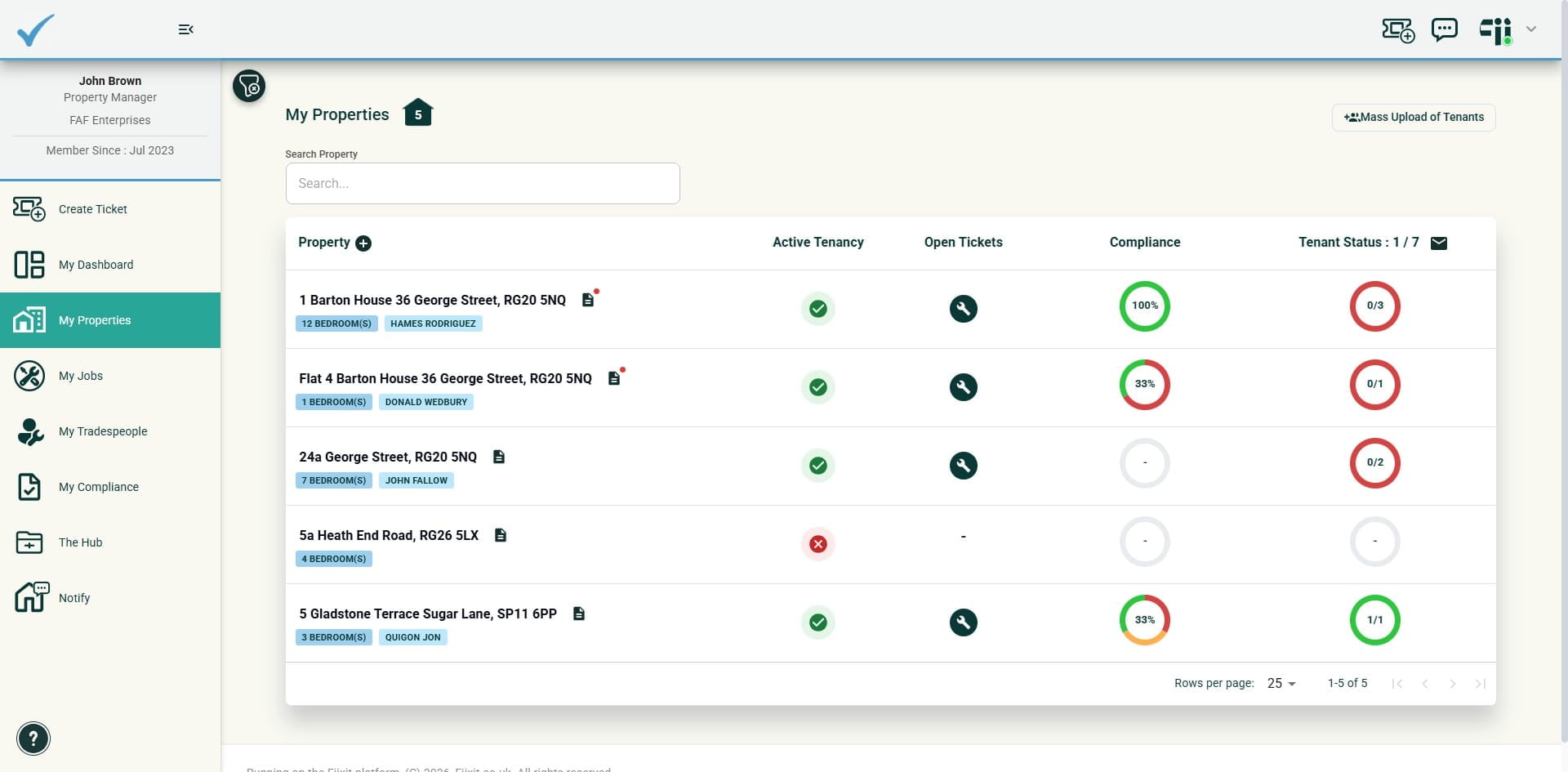
We’ve improved the property user experience while delivering a major upgrade to Compliance and sharing functionality within the Tenant Hub. We’ve also introduced the ability to notify property owners.
 0
0Frequently Asked Questions
- What is the difference between property documents and compliance records?
Property-related documents without important due dates belong in the Property Information tab. Compliance records are managed in Compliance Requirements and can include a required Valid to date, optional files, and compliance history.
- Do compliance records appear in dashboard counts and reminders without a date?
No. A Valid to date is required for a compliance record to appear in dashboard counts and reminders. Files are optional and can be added or edited at any time.
- Can tenants see a property or compliance record automatically?
No. Property or Compliance records are private to the letting agent or landlord account until you choose to share them. You can share them by email or use the eye icon to make the record visible in the Tenant Hub.
- How can I tell whether a compliance record is shared?
The eye symbol shows the record's sharing status. An eye means it has been shared to the Tenant Hub, while a crossed-out eye means it remains private.
- Can I reuse a custom compliance type?
Yes. Select Save name for future use when creating a customised compliance type, and it will be added to your directory for future use.