
New Release: Compliance Ticketing and My Jobs Filtering (Duration: 4 mins) 16th Nov
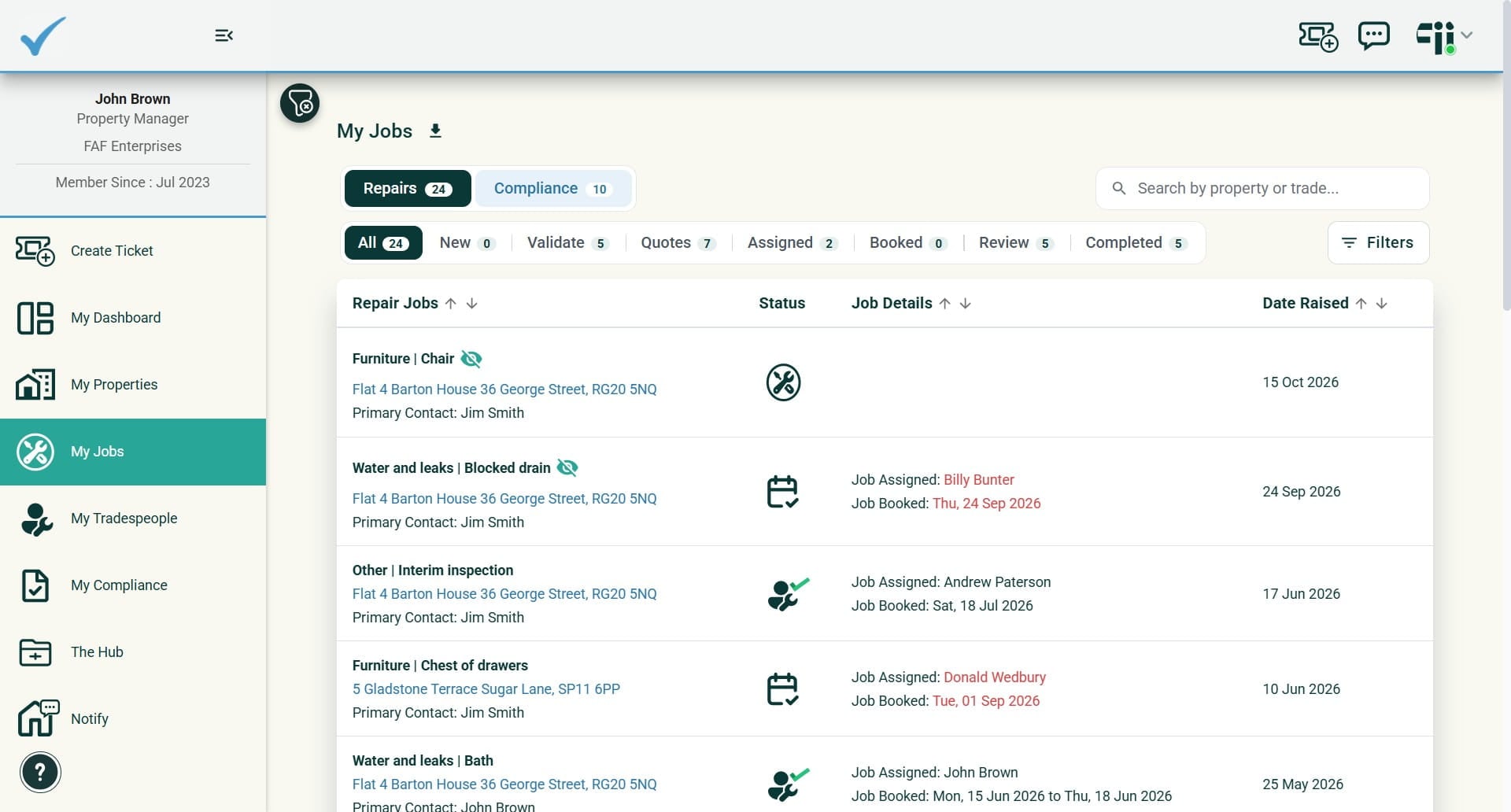
Raise a compliance task for an upcoming or due compliance item, or even better let Fiixit raise it for you by setting up an automation rule that creates compliance tasks ahead of expiry and assigns them to a trade (optional). My Jobs filtering has received an upgrade to handle the compliance tasks.
 0
Frequently Asked Questions
- How do I tell repair jobs from compliance tasks in My Jobs?
My Jobs has two quick selection filters at the top, Repairs and Compliance. Dark button colouring means you are viewing Repairs tasks, and blue button colouring means you are viewing Compliance tasks.
- Do I need to enter the certificate expiry date when I create a compliance ticket?
No. The certificate expiry date is entered into the ticket automatically. You only need to add a description and assign the task.
- How far ahead of expiry are compliance tasks created automatically?
You choose the timing in the rule: 90, 60 or 30 days before each individual compliance expiry date.
- Is adding a trade to a compliance automation rule required?
No, adding a trade is optional. If you add one, every task the rule creates is auto-assigned to that trade and an email is sent to alert them.
- What happens if I raise a compliance task as private?
Tenants will not see the task or receive any notification about it until you make the ticket public.
- How often will tasks be created by the automation rule?
Automation batch runs weekly over the week-end creating tasks for you fresh on a Monday morning. They will be created based upon your rule (90, 60, 30 days before expiry) with tolerance of +6 days due to the weekly batch.