
Adding Account Administrators
Account holders can add unlimited administrators to their account. Each administrator receives their own login and can access the account to manage tasks and account activities
Jun 22, 2026●
 0
0Frequently Asked Questions
- How do I add an account administrator?
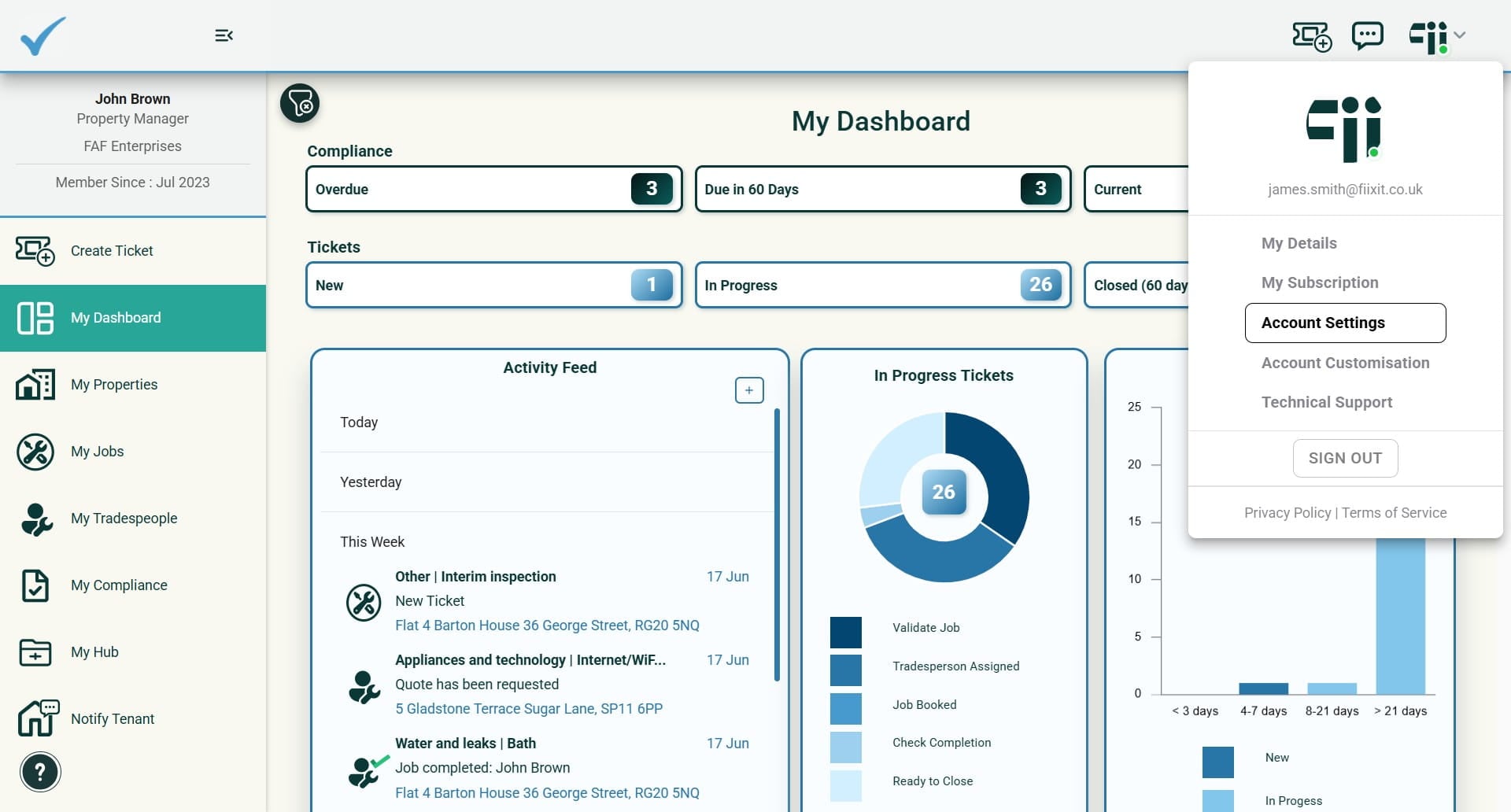
Select Account Settings from your menu in the top right of Fiixit, choose Manage Admins from the left menu, click on Add User, enter their name and email, and then select Add User.
- Where do I find Account Settings and Manage Admins?
Account Settings is in the menu in the top right of Fiixit. Within Account Settings, select Manage Admins from the left menu.
- What information do I need to provide when adding a new admin?
You need to enter the new admin’s name and email, then select Add User.
- What happens after I add a new admin?
The new admin will receive an email with short instructions to complete their set up.