
Your guide to Create Ticket - (Duration: 3 mins)
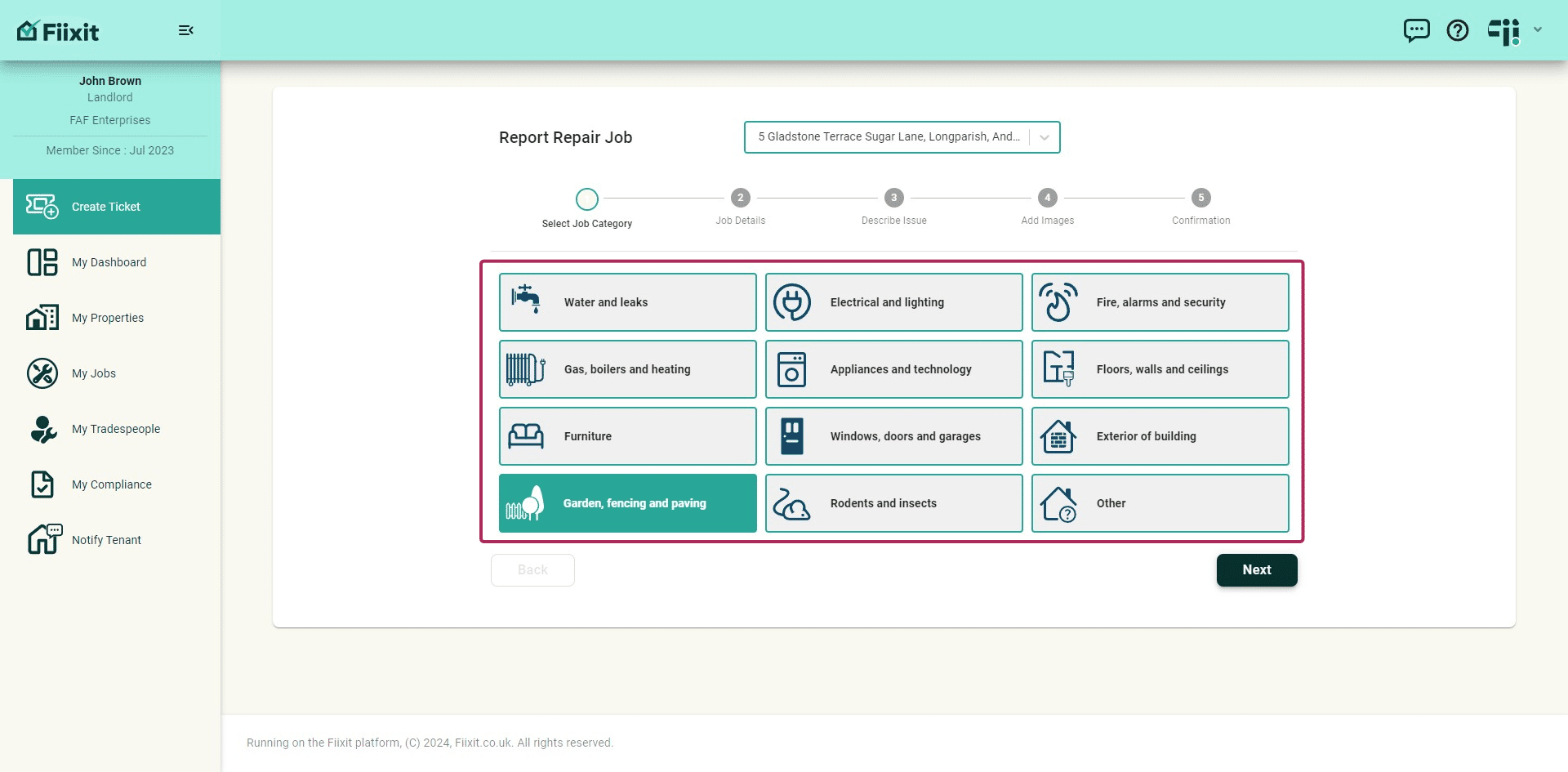
Creating a repair ticket captures key details, helping you efficiently address issues and keep everyone updated. Each ticket will update the dashboard and populate My Jobs. Tenants can report repairs in Fiixit using the same menu options on their dashboard.
 0
0Frequently Asked Questions
- What happens after I create a ticket?
Once you create a ticket, it will be visible in your dashboard and My Jobs list. You can then toggle the privacy setting on the ticket at any time.
- How can I find specific tickets in My Jobs?
You can sort your tickets in My Jobs by job category, property, or tradesperson to quickly find the one you need.
- What is the difference between Public Chat and Private Chat?
Public Chat allows landlords to discuss details with tenants and tradespeople, while Private Chat is only for landlords and tradespeople.
- How can I keep track of all activity on a ticket?
The History tab on each ticket tracks all actions, including messages, updates, and changes.
- Will I be notified about messages sent in Public and Private Chat?
Yes, any messages sent in the public or private chat of a ticket will notify all relevant parties in My Messages, which can be accessed from the top menu bar.