
New Release: Ticket Grouping and Property Notes (Duration: 2 mins) 12th May
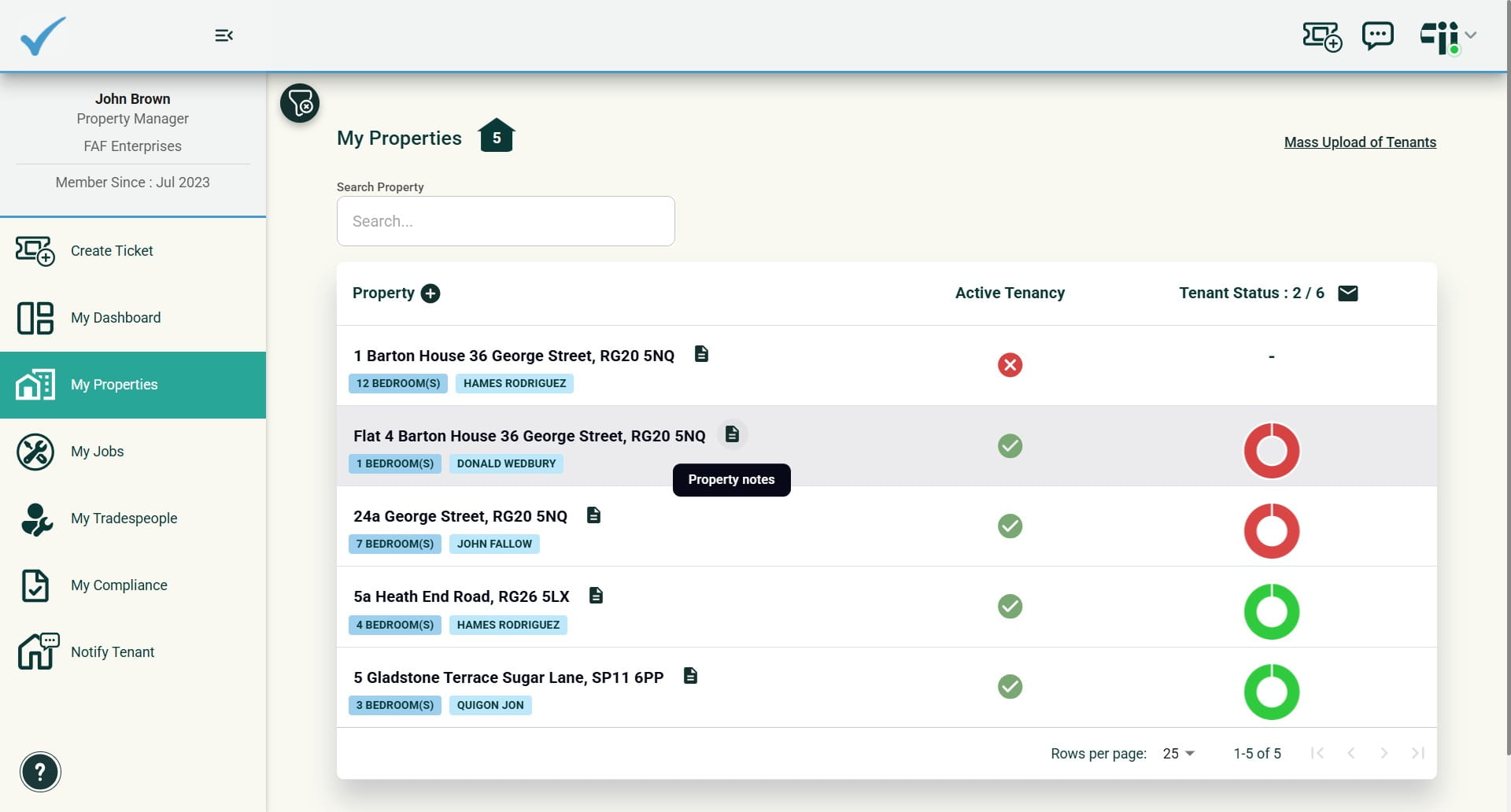
This guide introduces two major updates: a Property Notes feature that lets you save and attach notes or files to properties; and a Ticket Grouping system that organises related work under a Master job by creating sub-tasks.
 0
0Frequently Asked Questions
- Where can I access and save Property Notes?
Property Notes are available from the My Properties summary page and from each property's profile (property details page). You can save property-specific notes and files within each property profile, and Property Notes are also accessible directly from each ticket.
- How do I create related jobs (sub-tasks) for a property?
Ticket grouping allows related jobs to be created as sub-tasks from within a ticket. When you add a sub-task, a simplified ticket menu opens so you can quickly create the new task. Any related sub-tasks will then appear in the parent ticket and can be accessed via the provided link.
- How are sub-tasks shown and managed in My Jobs?
In My Jobs, sub-tasks are grouped under the Master Job. They can be managed like any other job (assignment, booking, closure) while remaining linked to the Master Job for grouping and filtering.
- Can I link an existing open ticket as a sub-task to another ticket?
Yes. If you have two open tickets, you can link an existing one to become a sub-task of another ticket.
- What happens if I make changes to a ticket that is in closed status?
The actions available when a ticket is in closed status have been reduced. Any changes made to a closed ticket will be recorded in the history log.