
Your guide to My Properties - (Duration: 3 mins)
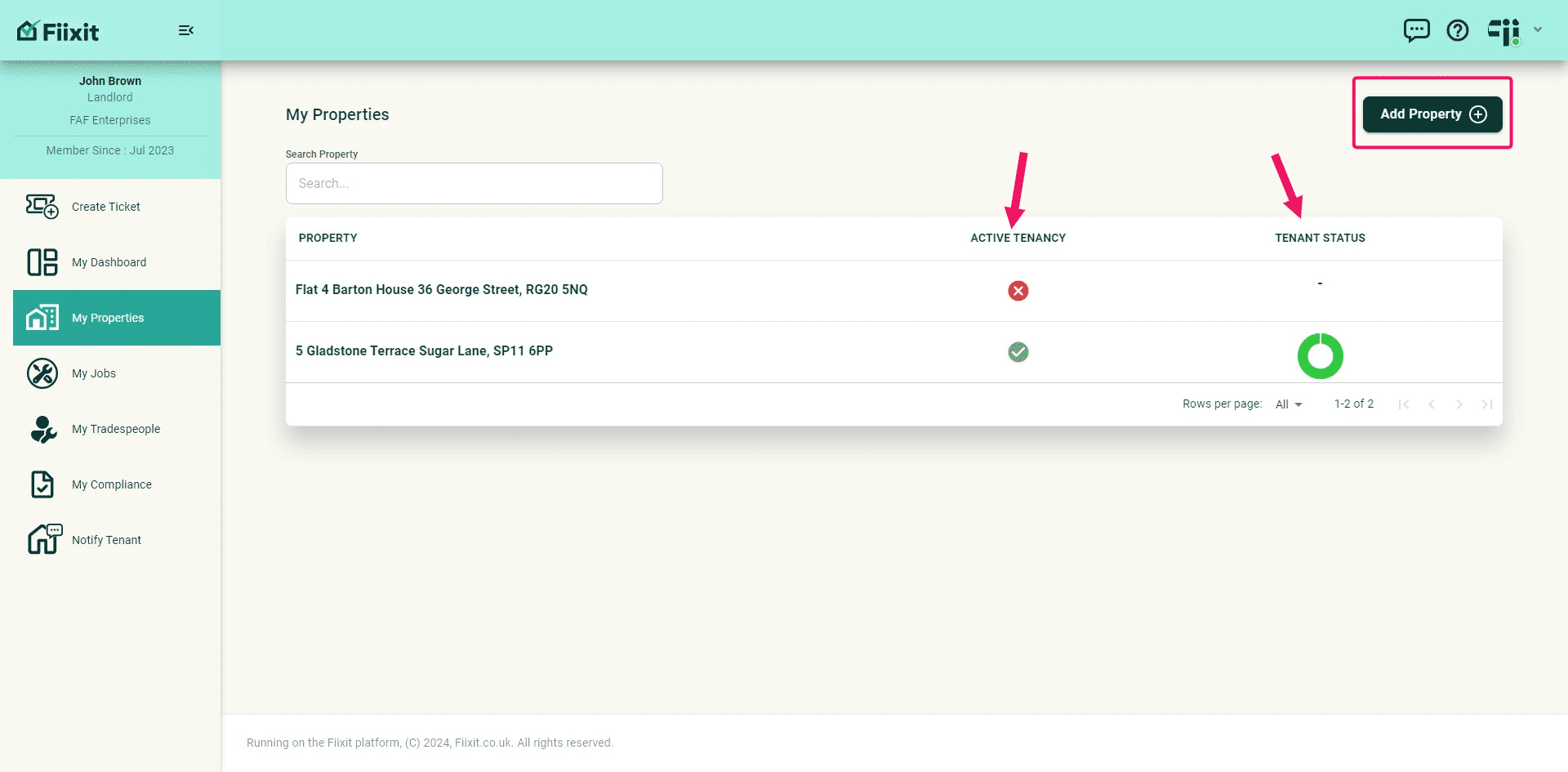
My Properties is where you manage your property portfolio. Add properties, tenancies, and tenants. Fiixit will email tenants an invite to create their account, enabling ticket creation and repair tracking for all.
 0
0Frequently Asked Questions
- How do I find a specific property in the list?
The property list is sorted by postcode and property number. You can use keywords to quickly filter and find a property. For example, search by street name or property number.
- What happens if I can't find the exact address of my property when adding it?
Don't worry! Fiixit uses Fetchify, a leading supplier of UK addresses, but if you can't find the exact address, you can edit it after adding the property. This feature will be available soon.
- How do I add tenants to a property?
Once you've selected a property, you can add tenants by clicking the "Add Tenants" button. You'll need to create a tenancy period first, which can be current or in the future. Then, you can add tenant email addresses and click the + sign. If everything looks correct, click "Add to Property". Fiixit will send an email invite to the tenants.
- What information is displayed about tenants before they register?
Before tenants register, only their email address will be shown. Once they register, their name and contact details will be displayed.
- What can I do with tenants once they are added to a property?
You can choose to delete tenants, send them a reminder to join Fiixit, or update their tenancy period if needed. You can also view past, current, and future tenancies for each property.