
New Release: Landlord Job Assignment and User Guides (Duration: 2 mins) - 26th Sep
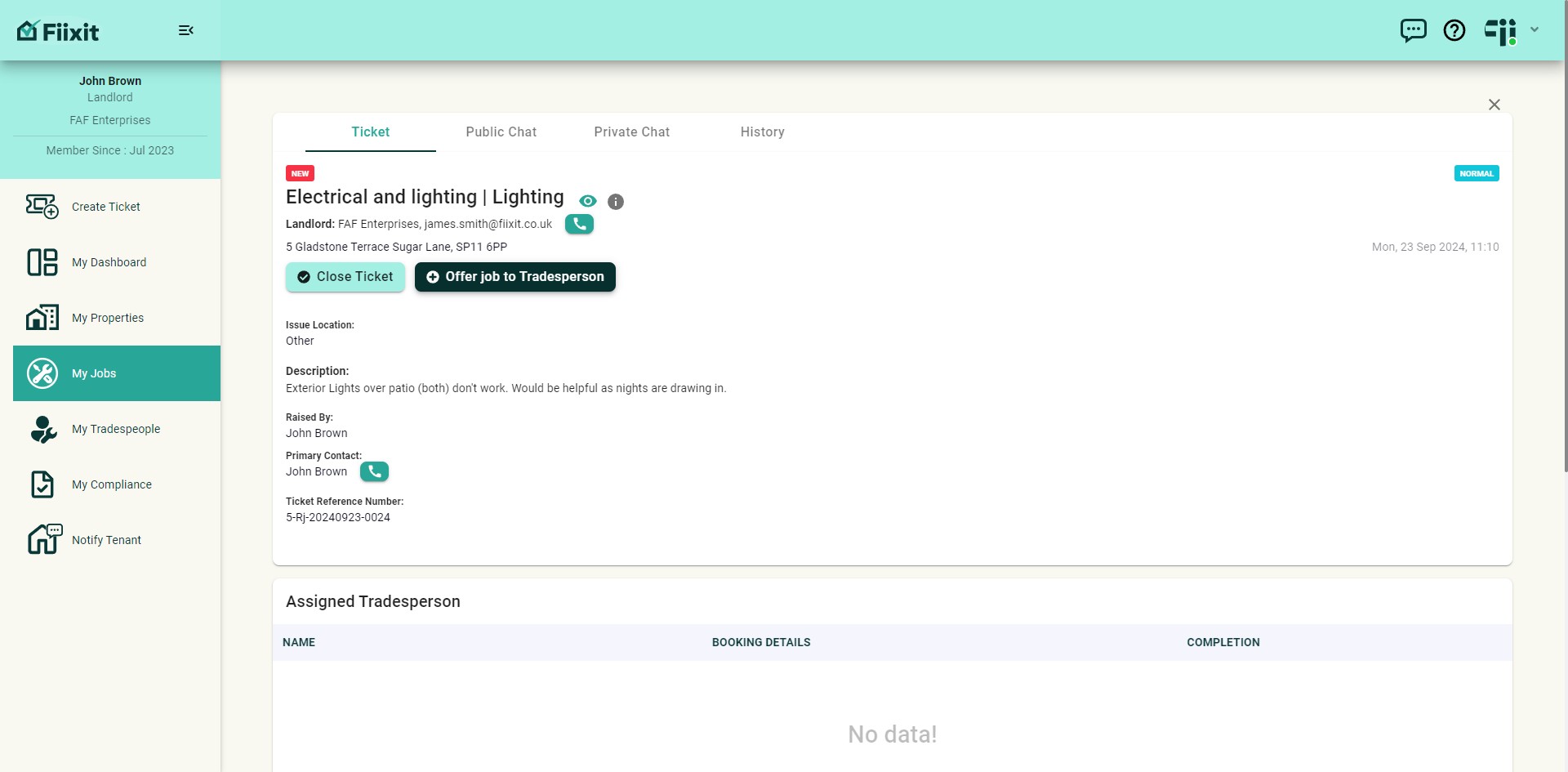
This release allows landlords or property liaisons to assign themselves as tradespeople and be part of the repair workflow. We're also excited to introduce Fiixit Guides, our new help portal, now accessible from the Fiixit platform!
 0
0Frequently Asked Questions
- How can I assign a job to a landlord or property liaison?
From any active ticket, click "Offer job to Tradesperson." The landlord or liaison will then appear in the tradespeople dropdown list. Simply select them, schedule a date and time, and the tenants will be notified via their dashboard and email.
- How do I access the updated Help and Support features?
The Help and Support section has been enhanced to provide two distinct views: "Help" for guides and instructions, and "Support" for reporting problems or requesting technical assistance. You can access it by clicking on the "Help" button or the "Fiixit Guides" option from the personal menu.
- What resources are available in the new Fiixit guides?
The updated Fiixit guides provide comprehensive resources to help you get started, answer frequently asked questions, and stay informed about the latest releases.
- How do I report a problem or request technical assistance with the Fiixit platform?
You can report a problem or request technical assistance by clicking on the "Support" button in the Help and Support section. This will direct you to a page where you can submit your request or report.
- What are the different ways tenants are notified about job assignments?
Tenants will be notified about job assignments through their dashboard and via email, ensuring they are kept informed about every step of the process.