
New Release: Video and optimised job booking to fit mobile screens (Duration: 1 min) - 13th Jan
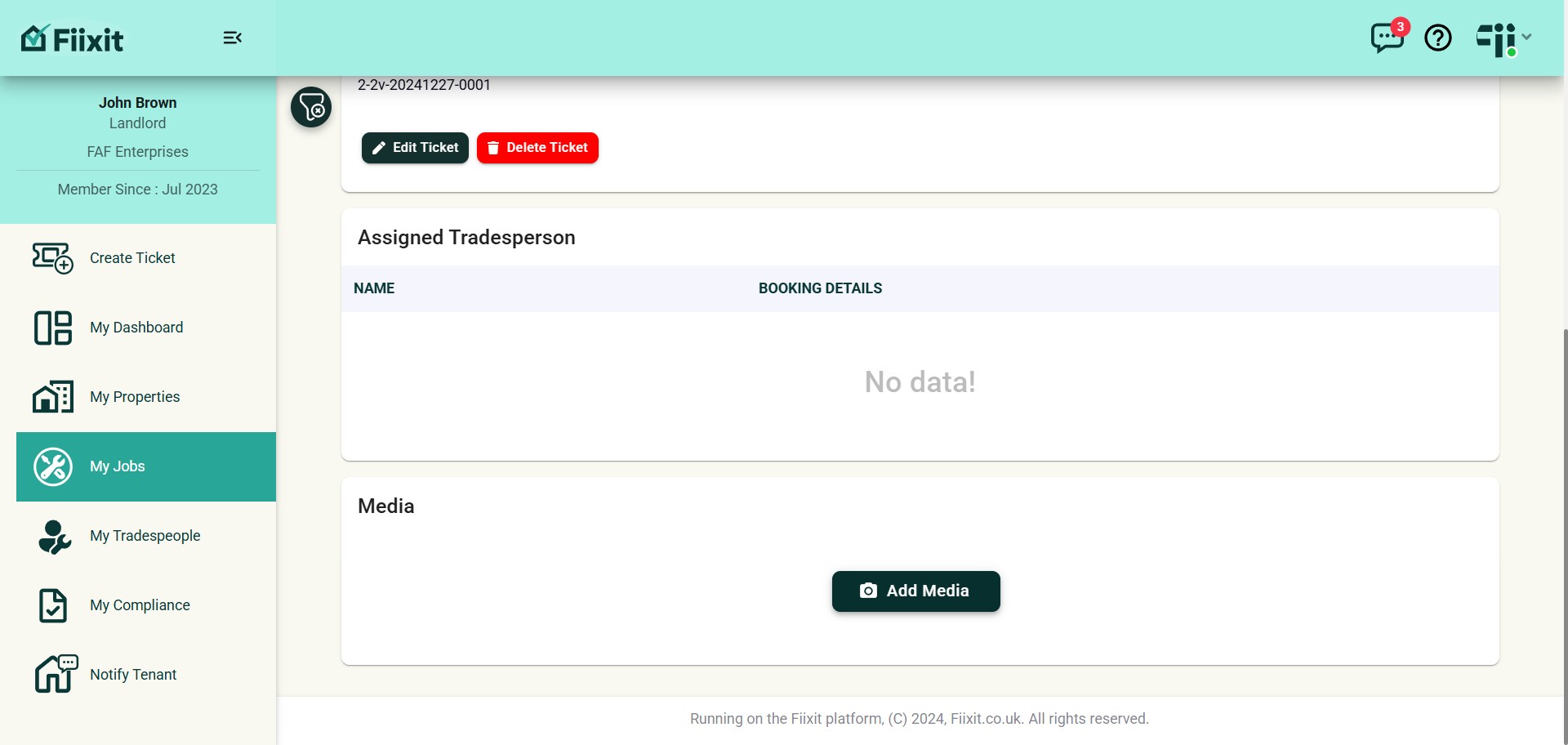
You can now add videos to tickets at creation or during their lifecycle, with updates logged in the activity and history records. Media-saving functionality is improved, and job book details are now optimised for mobile screens.
 0
0Frequently Asked Questions
- How do I add media to an existing ticket?
You can add photos or videos to an existing ticket by clicking on the "Add Media" button. This will allow you to either take a new media shot or browse for existing files on your device.
- What happens after I upload media?
Once you've uploaded your media, it will be saved. Depending on the size of the file and your network conditions, this process could take up to a minute.
- Can I add media while creating a new ticket?
Yes, you can also upload media during the process of creating a new ticket. Simply look for the appropriate option to add photos or videos.
- Why has the assigned tradesperson information changed on my mobile device?
The information about the assigned tradesperson has been rearranged to ensure that it all fits comfortably on a single mobile screen. This makes it easier to view and navigate on smaller devices.